 SubtitleRocket
 Caption tutorial
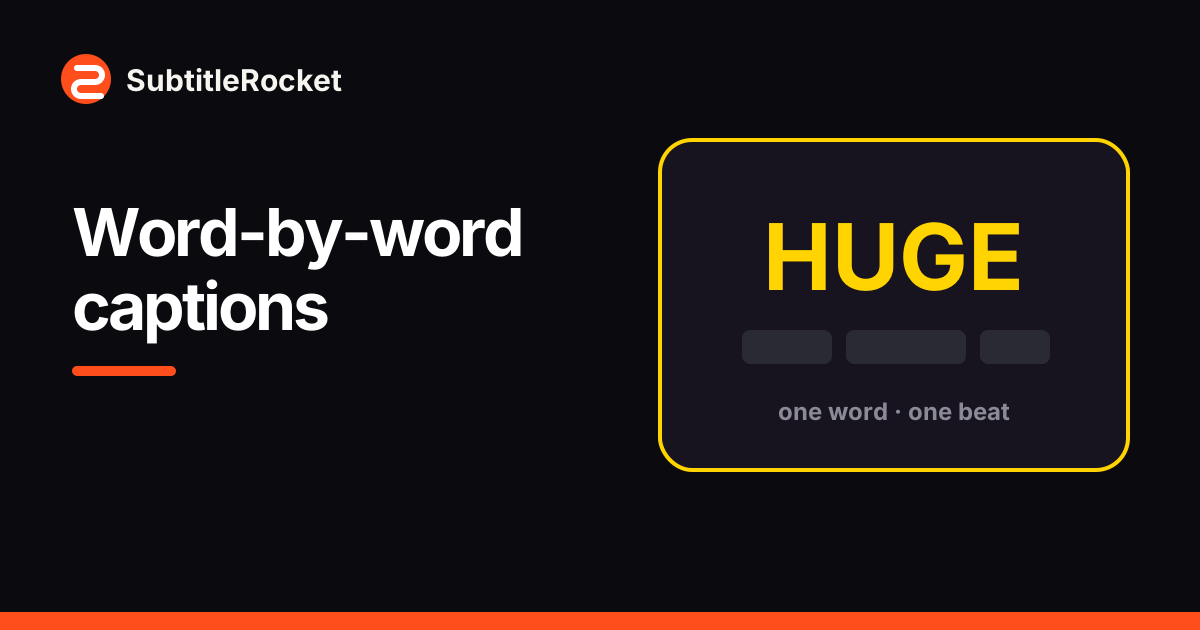
How to Make Word-by-Word Captions (One or Two Words at a Time)
Turn a spoken clip into rapid word-by-word captions with one toggle. Each word keeps its own timestamp, so the cuts land exactly on the voice.
Read the tutorialSubtitleRocket guides
Each guide uses real controls, screenshots, and exported results instead of generic editing advice.
Caption tutorialTurn a spoken clip into rapid word-by-word captions with one toggle. Each word keeps its own timestamp, so the cuts land exactly on the voice.
Read the tutorial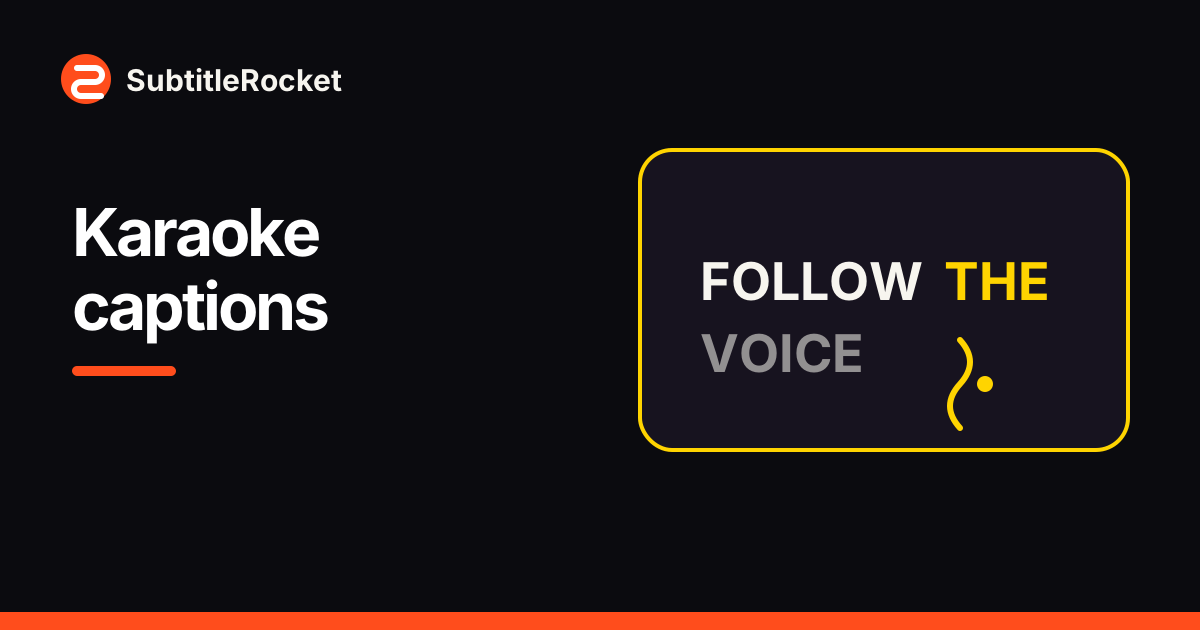 Caption tutorial
Set up word-synced highlight captions: the active word changes color exactly on its timestamp, in the preview and in the exported MP4.
Read the tutorial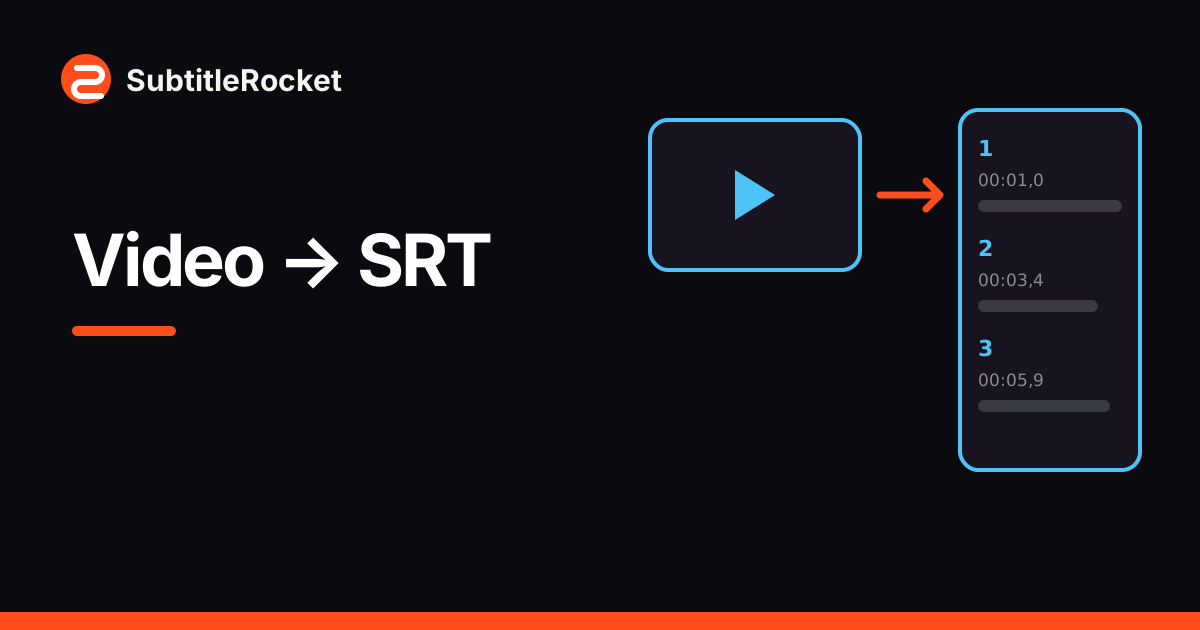 Workflow tutorial
Generate timestamped captions from a video, fix the text and timing on a real timeline, and download the result as SRT or VTT.
Read the tutorial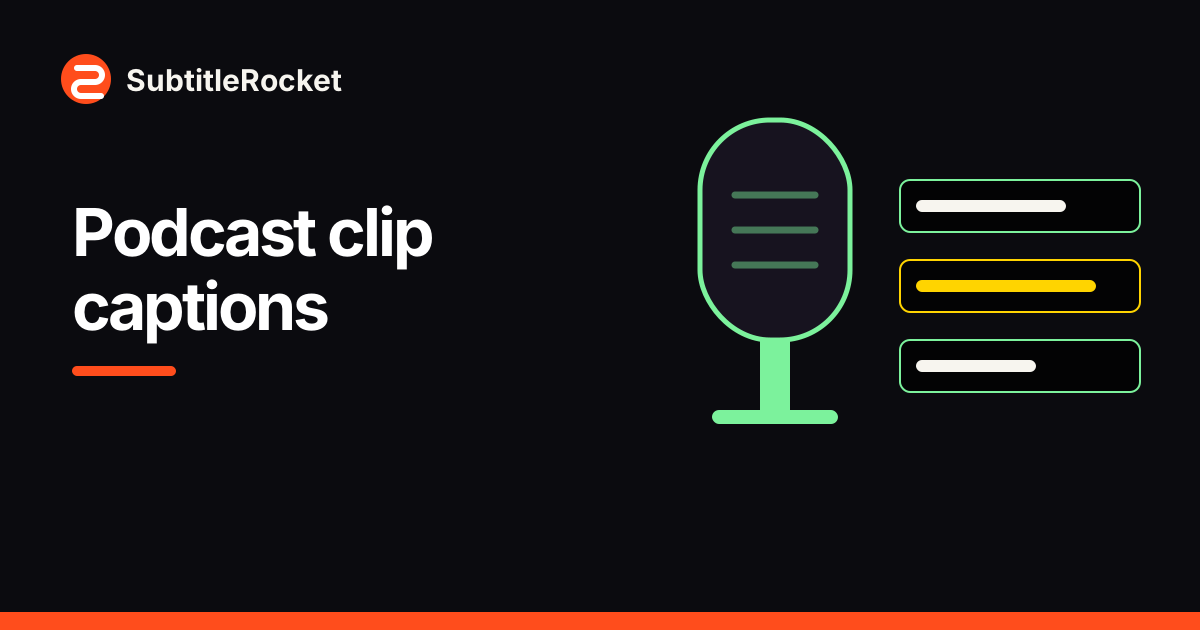 Caption tutorial
Turn an interview highlight into a readable social clip: merge choppy fragments, use a boxed style, and keep two speakers legible.
Read the tutorial Caption tutorial
A browser walkthrough of the bold preset, with timing and placement tips that hold up on a phone.
Read the tutorial How to add subtitles
Learn how to add subtitles to a video with auto-transcription, text and timing fixes, readable styling, and a captioned MP4 export.
Read the tutorial Caption tutorial
Correct wrong words, split or merge caption lines, retime segments on the timeline, and export a readable result from your browser.
Read the tutorial Caption tutorial
Generate captions from speech, correct the text and timing, choose a style, and export a 720p video with a small watermark.
Read the tutorial Caption tutorial
Create clear two-line captions with the original language above a translation, using a real browser editor and bilingual template.
Read the tutorial